
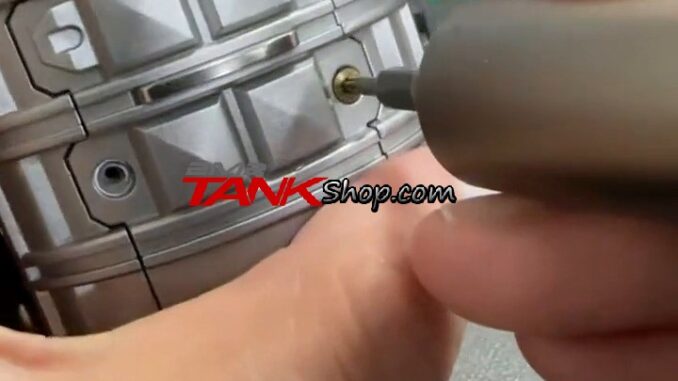
Does your 2M2 TANK Easy Clone power on normally when connected by USB, but fail to turn on when the USB cable is disconnected? In a recent customer case, our engineer advised checking the battery spring/contact first. The recommended first step is to remove and reinstall the battery so the contacts are seated correctly.
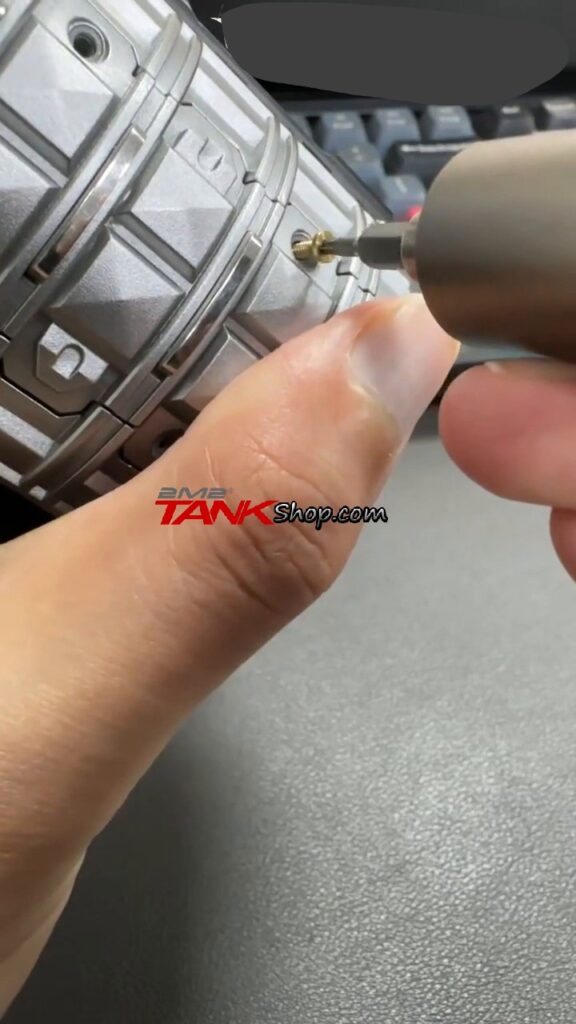
During that process, the customer encountered another issue: one battery-cover screw kept spinning and could not be removed. The engineer provided a simple technique: hold the screwdriver at a slight angle, apply gentle pressure, and then turn the screw. This guide summarizes the actual troubleshooting process shown in the video.
Video Operation Steps
Step 1: Confirm the Power Symptom
First confirm the symptom: the Easy Clone can power on through USB, but cannot power on independently from the internal battery. This does not automatically mean the complete Easy Clone is defective. Based on this case, the battery spring/contact should be checked first.
Step 2: Disconnect USB and Prepare to Open the Battery Cover
Power off the Easy Clone and disconnect the USB cable before working on the battery compartment. Carefully loosen the battery-cover screws.
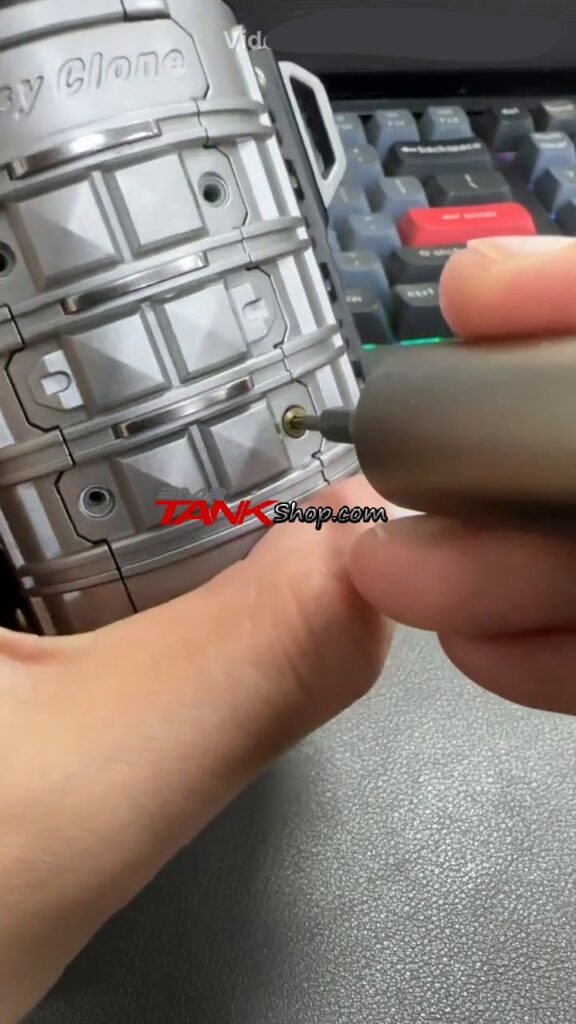
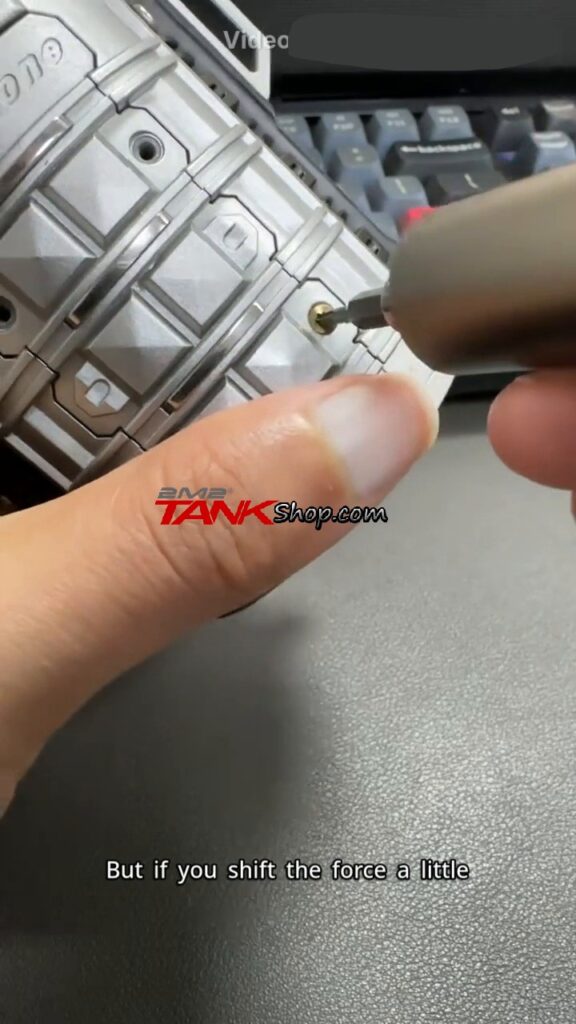
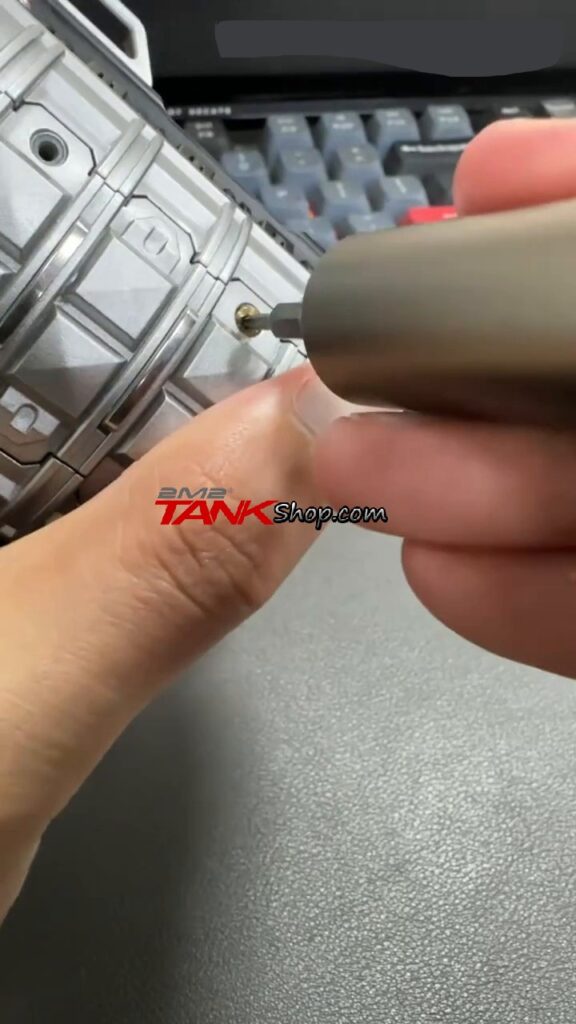
Step 3: If a Screw Keeps Spinning, Hold the Screwdriver at a Slight Angle
If one screw turns continuously but does not come out, do not keep turning it vertically with excessive force. As demonstrated by the engineer, hold the screwdriver at a slight angle and apply gentle pressure while turning counterclockwise. The pressure can help the screw catch the threads so it gradually moves outward.
Step 4: Remove and Reinstall the Battery
After the cover is removed, carefully take out the battery and reinstall it. Make sure the battery spring/contact points are properly seated. According to the engineer, poor contact at the battery spring can cause this USB-only power symptom.
Step 5: Reassemble and Test Without USB
Reinstall the battery cover, disconnect USB, and test the Easy Clone again. If it powers on normally from the battery, the connection issue has been resolved. If the problem remains, contact technical support for further diagnosis before replacing parts or the complete unit.
Key Video Screenshots
Important Notes
- Disconnect the USB cable and power off the device before opening the battery compartment.
- Use gentle pressure when removing a spinning screw. Excessive force may damage the screw head, housing, or internal mounting point.
- The engineer’s diagnosis in this case was a battery spring/contact issue. Similar symptoms can have other causes, so do not automatically replace the battery or complete Easy Clone without further diagnosis.
- After reseating the battery, test the unit again without USB before deciding whether additional service is required.
- This guide is intended as a troubleshooting reference for the specific symptom demonstrated in the video.
FAQ
Why does my 2M2 TANK Easy Clone only turn on when USB is connected?
In this customer case, the engineer identified the battery spring/contact as the first item to check. Remove and reinstall the battery to make sure the contacts are seated correctly.
Does USB-only operation mean the battery is defective?
Not necessarily. A poor battery connection can cause similar symptoms. Check and reseat the battery before concluding that the battery itself or the complete Easy Clone needs replacement.
How do I remove a battery-cover screw that keeps spinning?
Hold the screwdriver at a slight angle, apply gentle pressure, and turn it counterclockwise. This can help the screw catch the threads and move outward.
Should I replace the entire Easy Clone immediately?
No. Based on this case, first reseat the battery and retest the device. If the problem remains, contact technical support for further diagnosis.
What should I do if the screw still cannot be removed?
Stop before damaging the screw head or housing and contact your seller or technical support for additional assistance.
Conclusion
If a 2M2 TANK Easy Clone works with USB but will not power on from its battery, the complete unit does not necessarily need to be replaced. For the case shown here, the engineer recommended checking the battery spring/contact by removing and reinstalling the battery. If a battery-cover screw keeps spinning, use the demonstrated angled-pressure technique to help the screw engage while turning it counterclockwise. After reseating the battery, reassemble the device and test it again without USB.