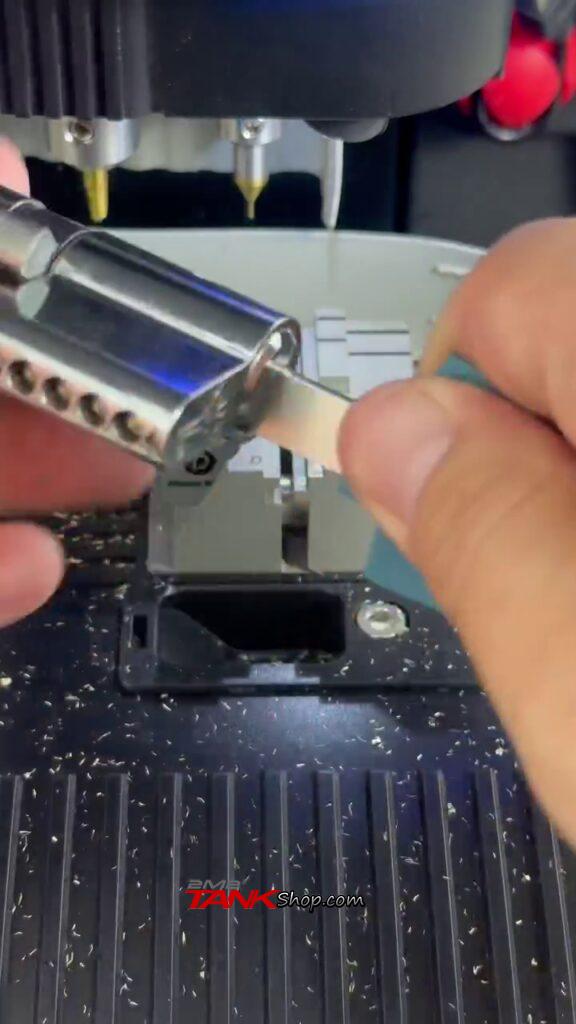

Here is a step-by-step tutorial on how to decode and cut a MUL-T-LOCK Interactive+ key (All Keys Lost) directly from the security code card using the 2M2 TANK (Shadow Warrior) CNC Key Cutting Machine and the TANK mobile app.
Video Tutorial Reference: Watch the full cutting operation here:
| Tools & Cutters Required | Key & Card Required |
| • Machine: 2M2 TANK (Shadow Warrior) • App: TANK Mobile Application • Clamp: Fixture D • Cutter W (Group A) & Cutter U (Group B) • Probe: 0.5mm Probe |
• MUL-T-LOCK Interactive+ Key Blank • Original MUL-T-LOCK Security Code Card (containing Group A and Group B bitting codes) |
Procedure:
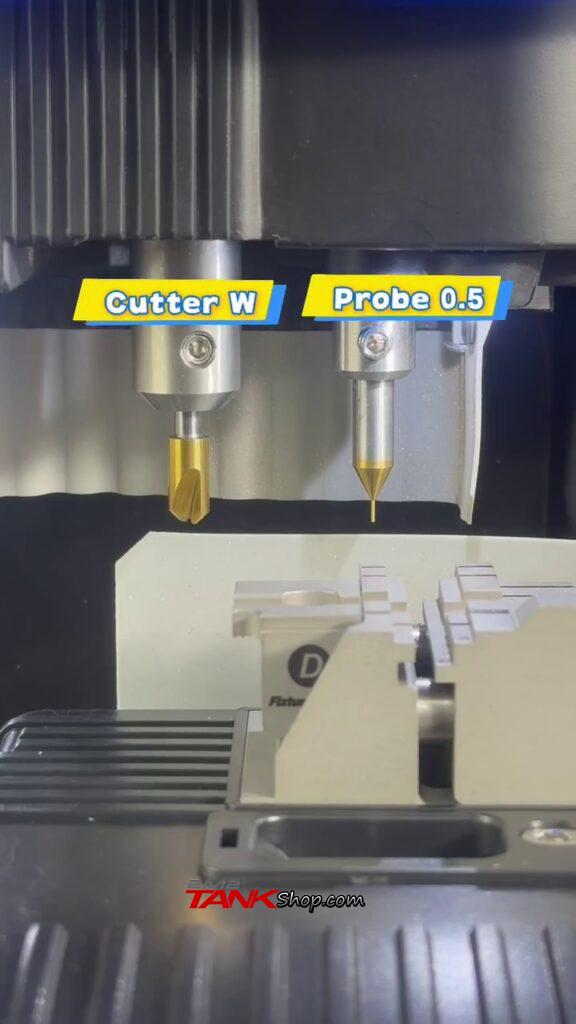
Step 1: Prepare Machine & Install Cutter W
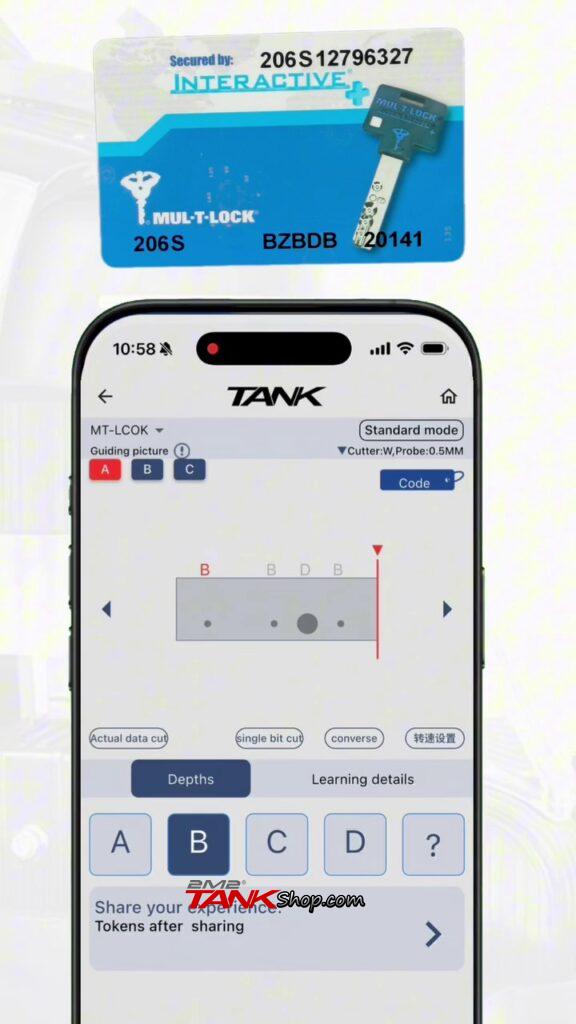
Have the original MUL-T-LOCK security card ready (containing two bitting code groups, e.g., BZBDB and 20141). Power on the 2M2 TANK machine, then install Cutter W on the left spindle and Probe 0.5mm on the right spindle.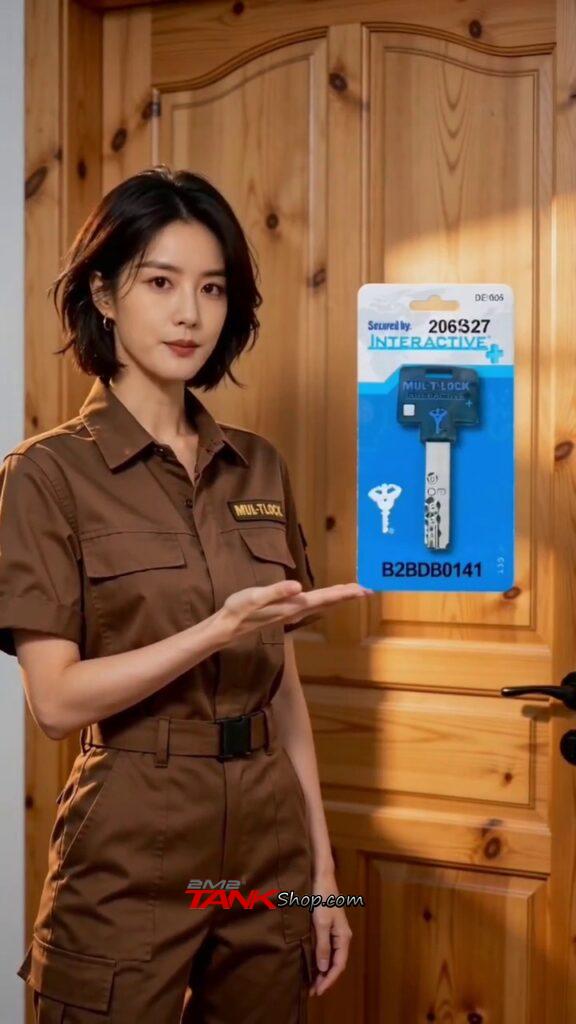
Step 2: Select MUL-T-LOCK Key Profile in TANK App
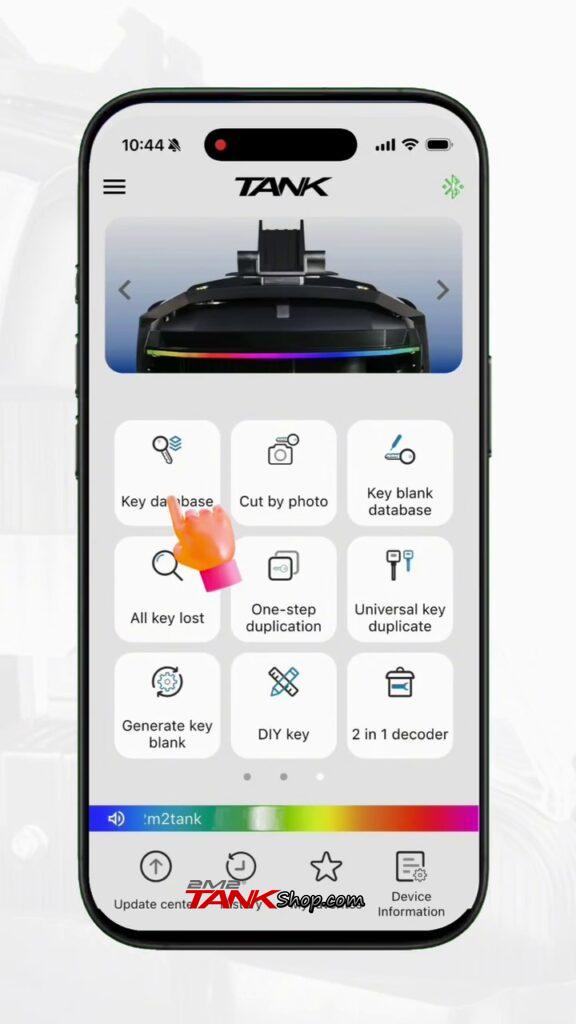
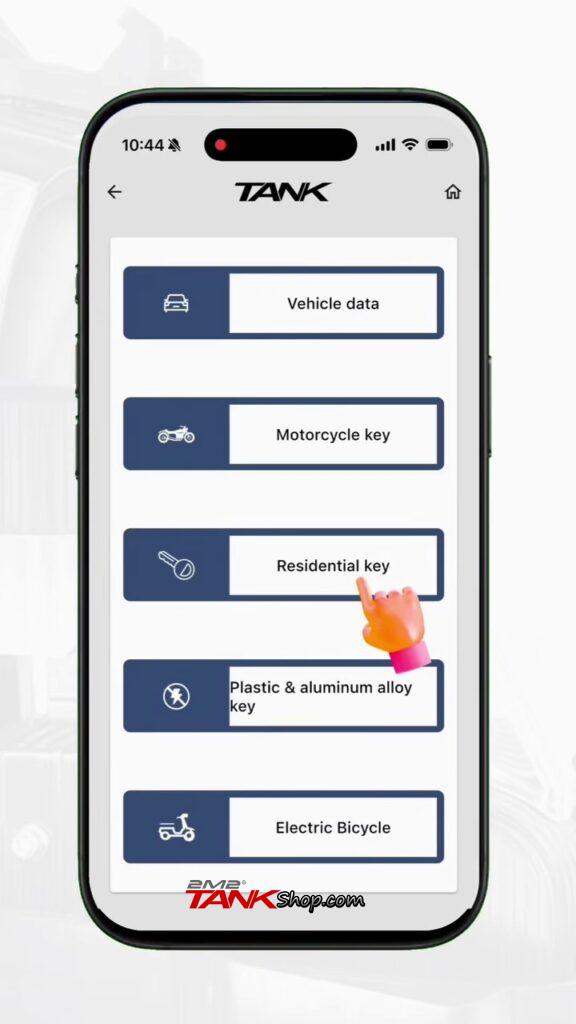
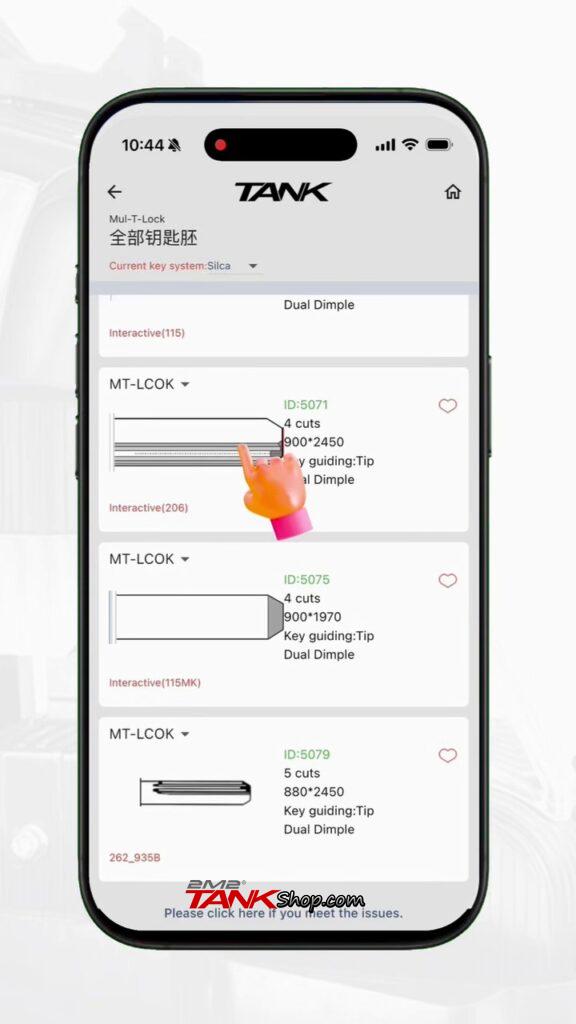
Open the TANK app and tap Key database -> Residential key. Use the alphabetical index on the right to select M -> Mul-T-Lock. Scroll down to the MT-LCOK series and select the matching profile (e.g., ID: 5071, 4 cuts, Interactive 206).
Step 3: Clamp the Key Blank on Fixture D
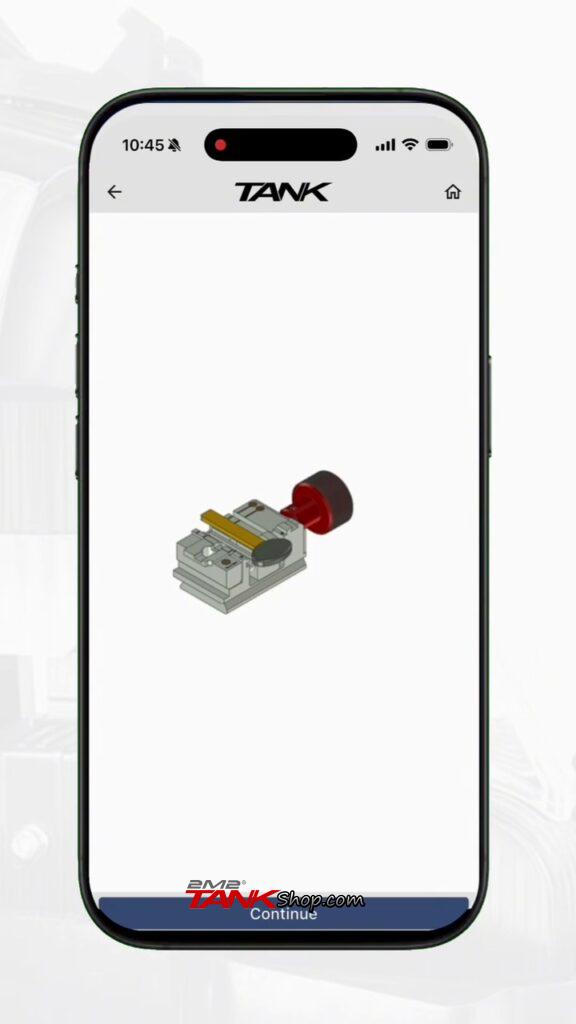
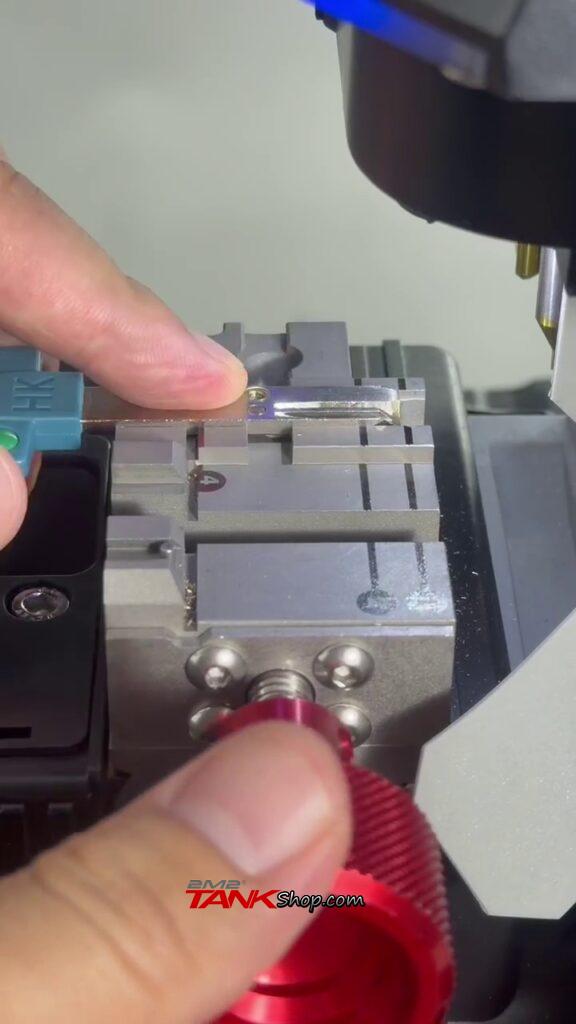
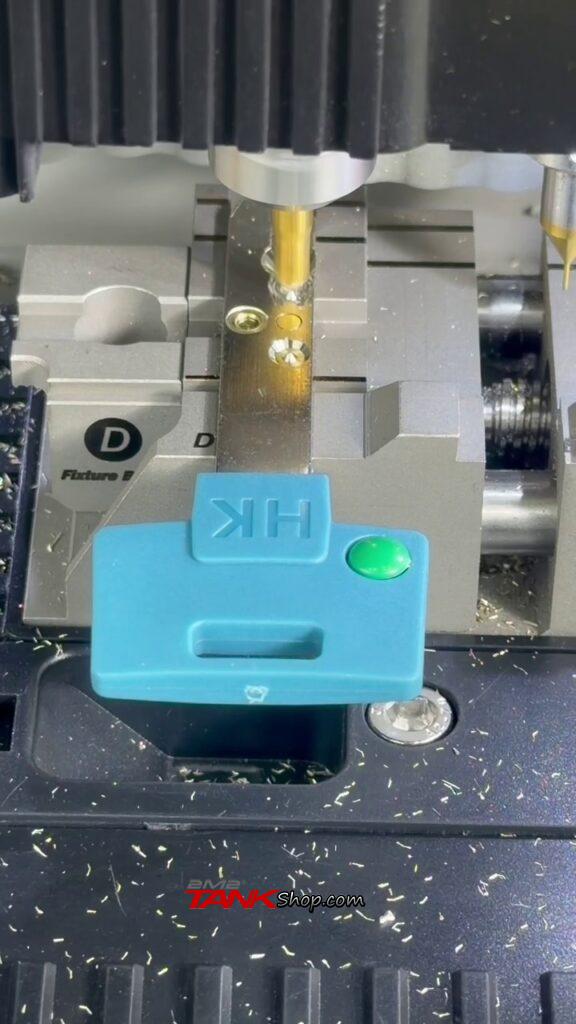
Check the on-screen 3D clamp diagram for Fixture D and tap Continue. Place the MUL-T-LOCK key blank flat onto Clamp D aligned with the tip-stop guide, and tighten the red clamping knob.
Step 4: Input Group A & Group B Key Codes
• Group A Code: Under the red Group A tab, input the first bitting code from the security card (e.g., B Z B D B).
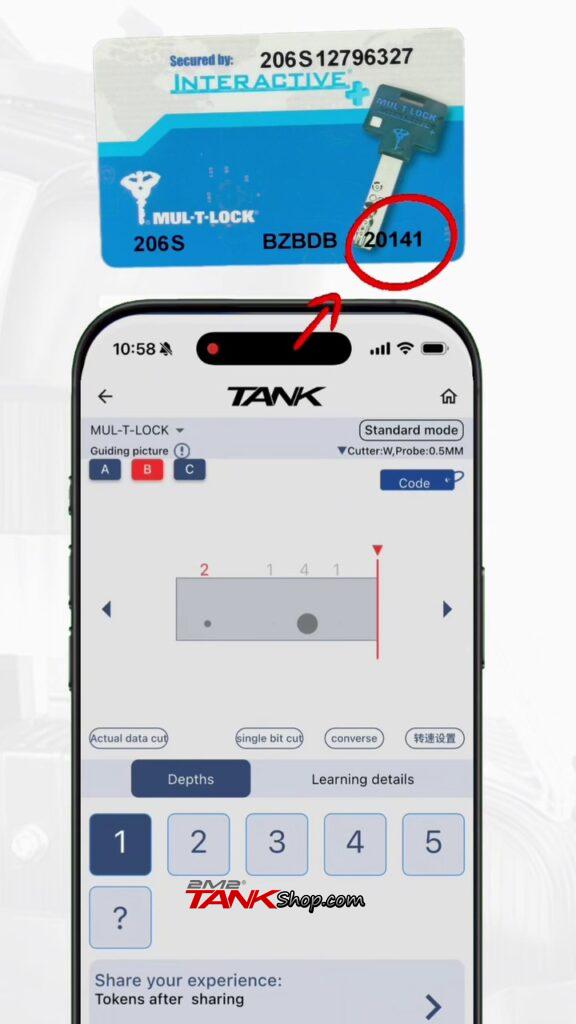
• Group B Code: Switch to the blue Group B tab at the top left, tap Cancel on the “Check with guiding drawing or not?” prompt, and input the second numeric code (e.g., 2 0 1 4 1).
Step 5: Cut Group A Dimples (with Cutter W)
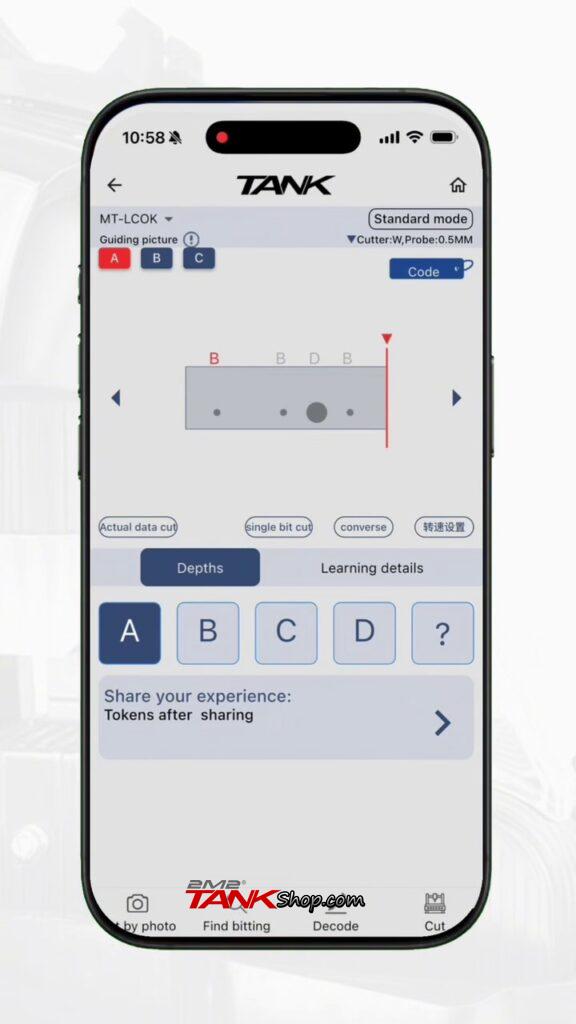
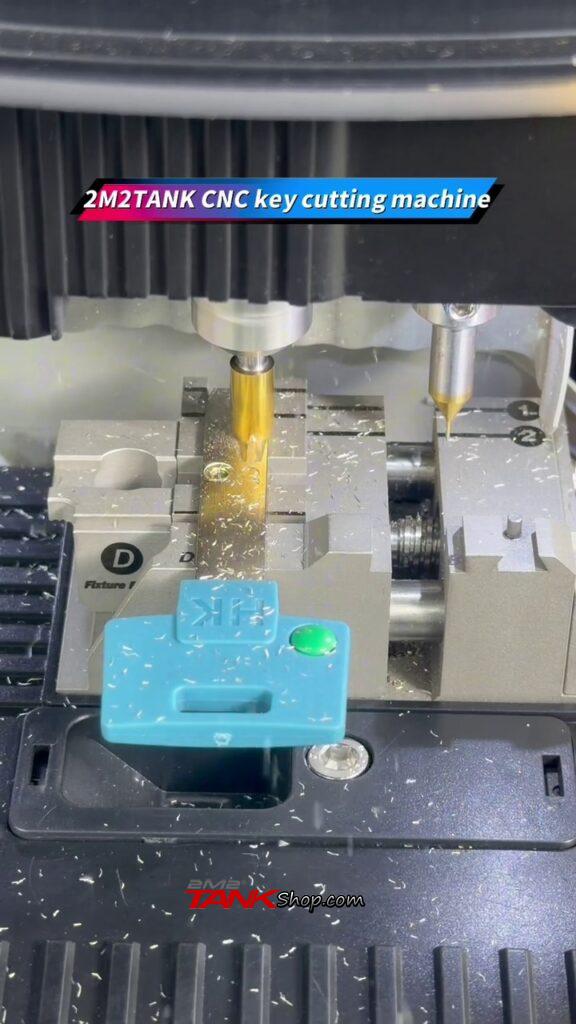
Switch back to the red Group A tab and tap Cancel on the guiding drawing prompt. Tap Cut in the bottom-right corner to mill the outer dimples, and wait until Group A cutting finishes completely.
Step 6: Switch to Cutter U & Cut Group B Dimples
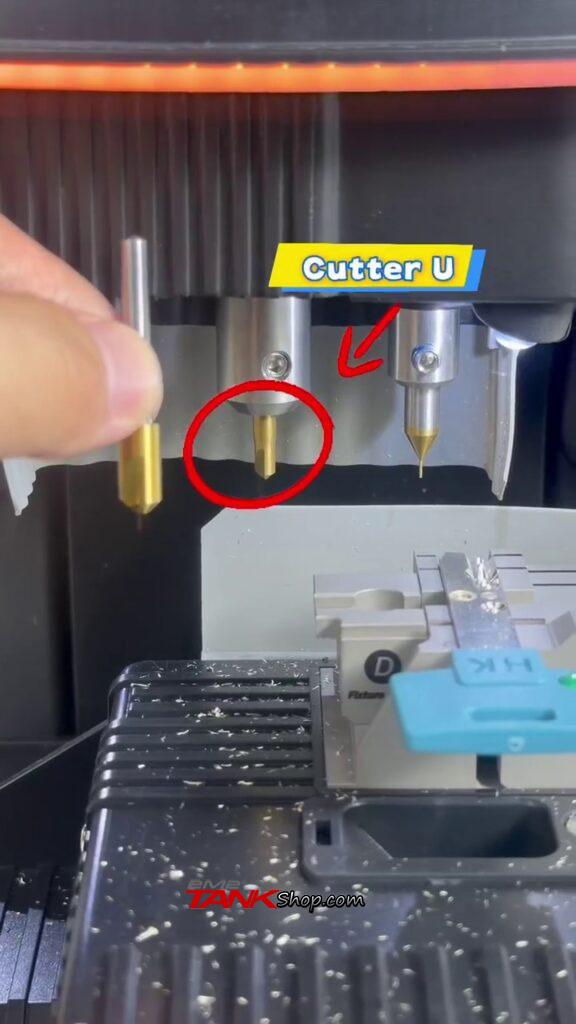
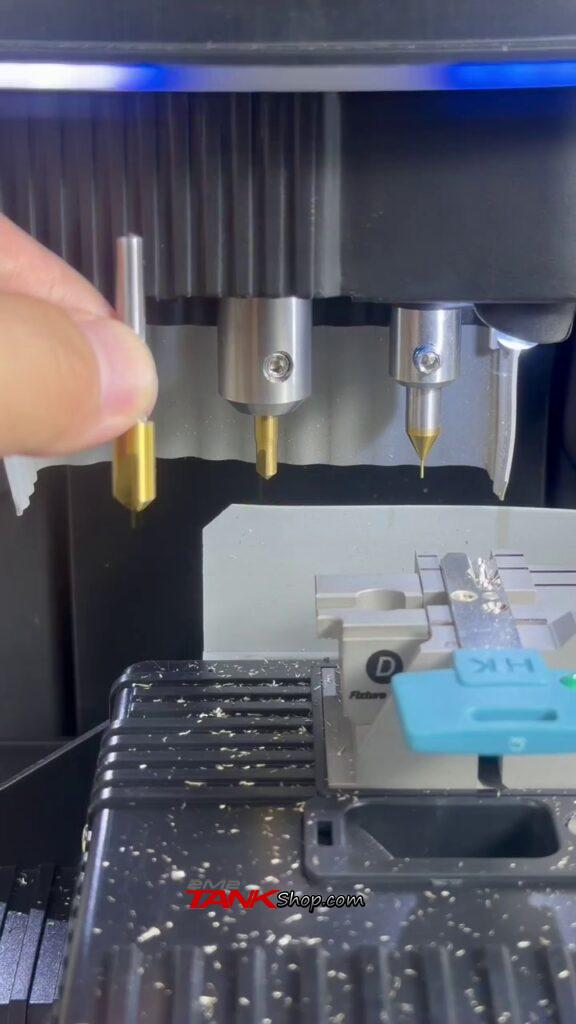
Remove Cutter W from the left spindle and install Cutter U. In the TANK app, switch to the blue Group B tab (confirming Cutter: U is shown) and tap Cut to mill the inner dimples.
Step 7: Clean & Test the New Key
Loosen the red knob, remove the finished key from Clamp D, and brush off any brass shavings. Insert the key into the MUL-T-LOCK cylinder to verify smooth unlocking and locking rotation.