

Ever wondered how key duplication works for those trickier laser-cut keys? With the right tools, it’s actually a pretty straightforward process. We’re going to walk you through how to perform a one-step key duplication using the 2M2 Tank CNC key cutting machine, turning a blank into a perfectly cut key.
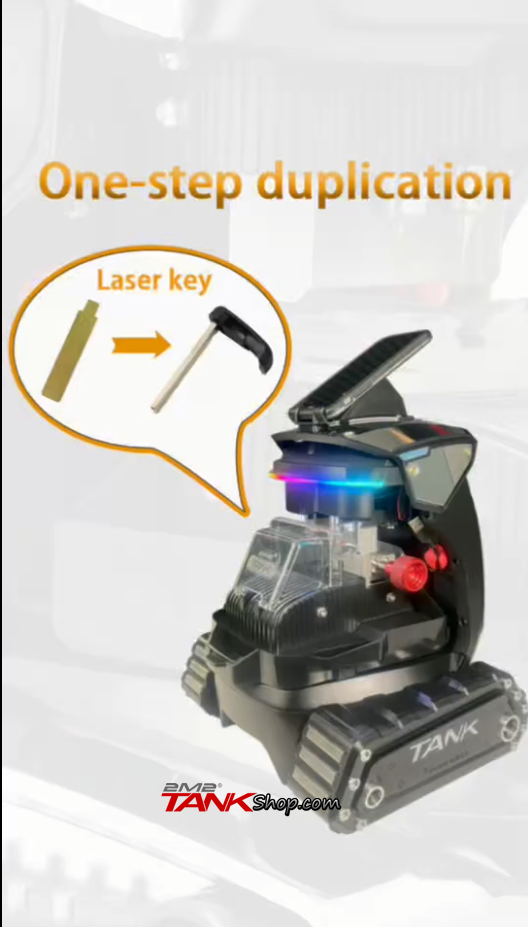
What you’ll need
Before you dive in, make sure you have:
- An original laser key to duplicate.
- A compatible 2M2 Super key blank(like the S# type shown).
- The 2M2 Tank 2 pro and its accompanying mobile app.
- A pin removertool (if you’re swapping a key blade in a flip key).
VIDEO DEMO :
Step 1: Set up the machine and app
First things first, power on your 2M2 Tank CNC machine. You’ll see those cool rainbow lights come on.
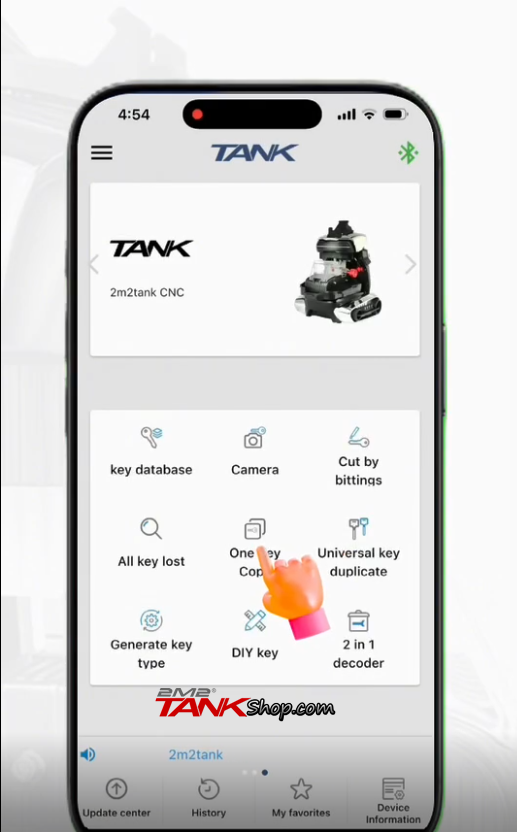
Next, open the Tank app on your phone and connect to the machine. From the main menu, tap on One key Copy.
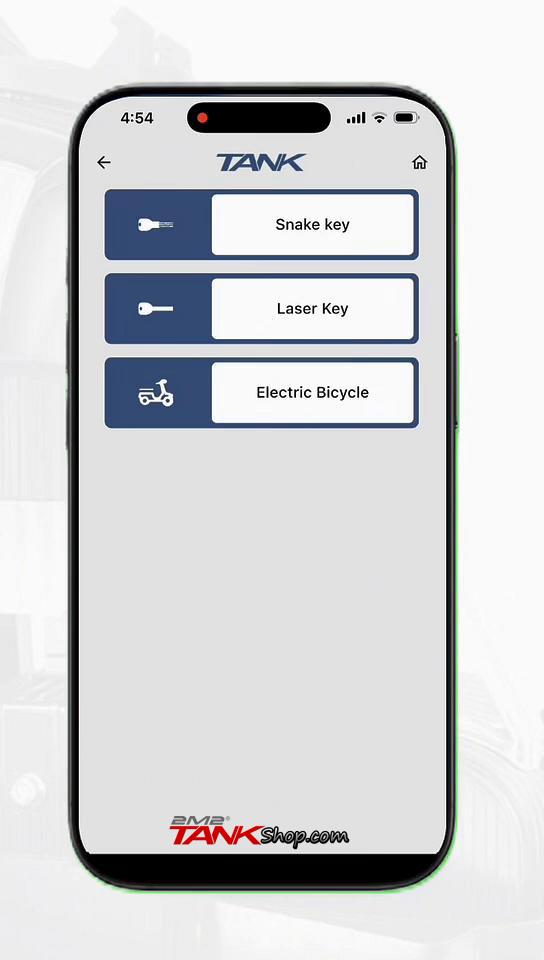
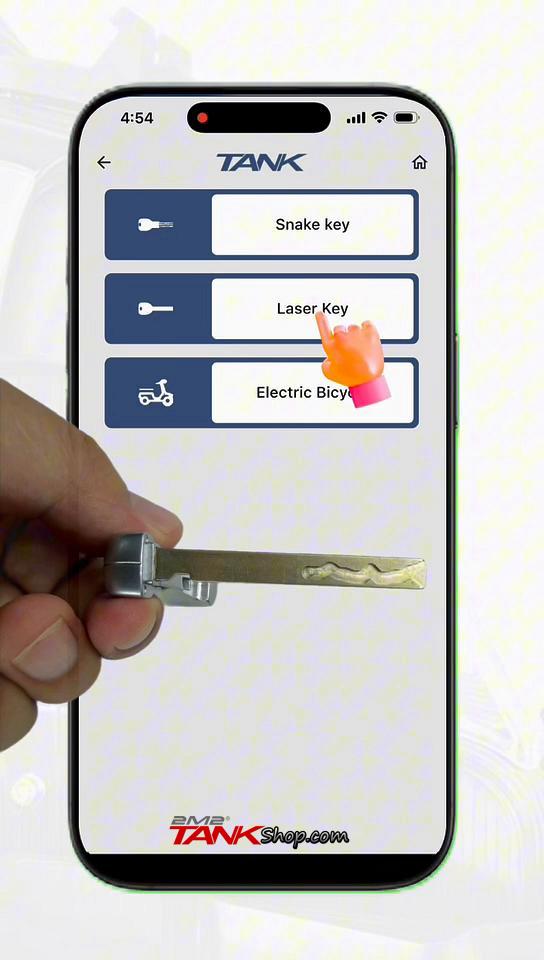
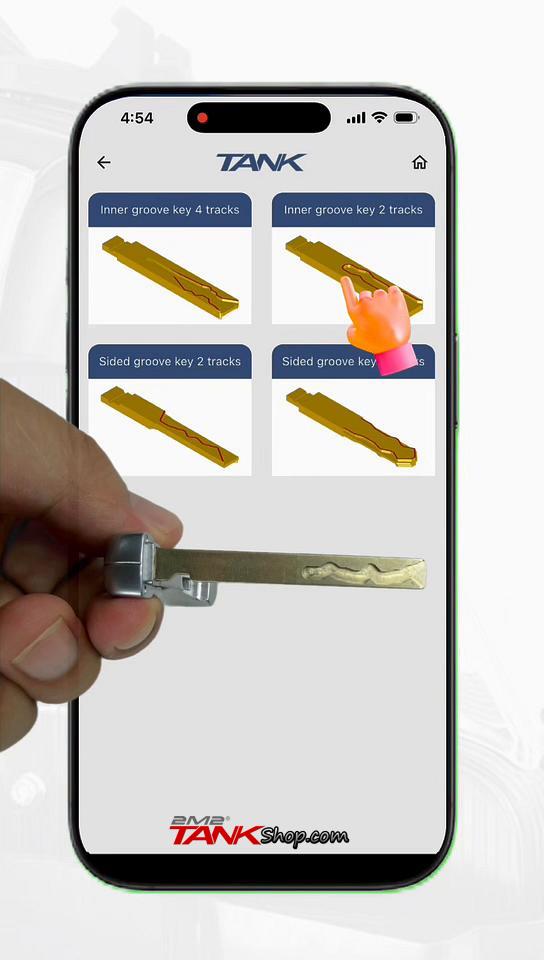
You’ll be prompted to identify your key type. For keys with inner or outer grooves (like the one we’re demonstrating), select Laser Key.
Our example key has two inner grooves, so we’ll choose Inner groove key 2 tracks.
Then, specify how you’ll clamp the key. In our case, we select Tip for the clamping reference.
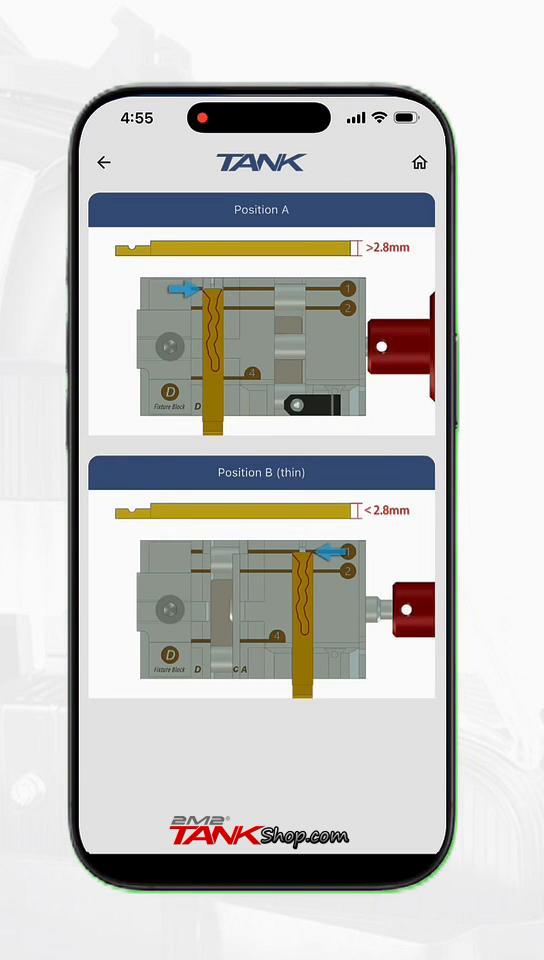
The app will then ask you to select the clamping position. For our key, Position A (for keys >2.8mm thick) is the correct choice.
Step 2: Identify the original key
Before placing your original key, a handy reminder will pop up: please clean the customer key. This is super important for accurate decoding, so make sure there’s no dirt or grease that could affect the measurement.
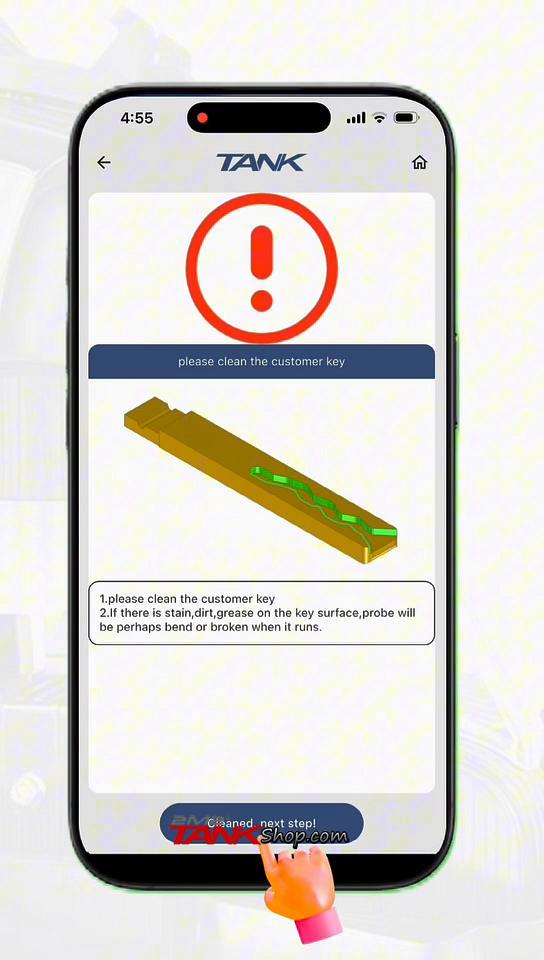
Once it’s clean, tap Cleaned, next step! then Identify. Confirm by tapping OK when prompted.
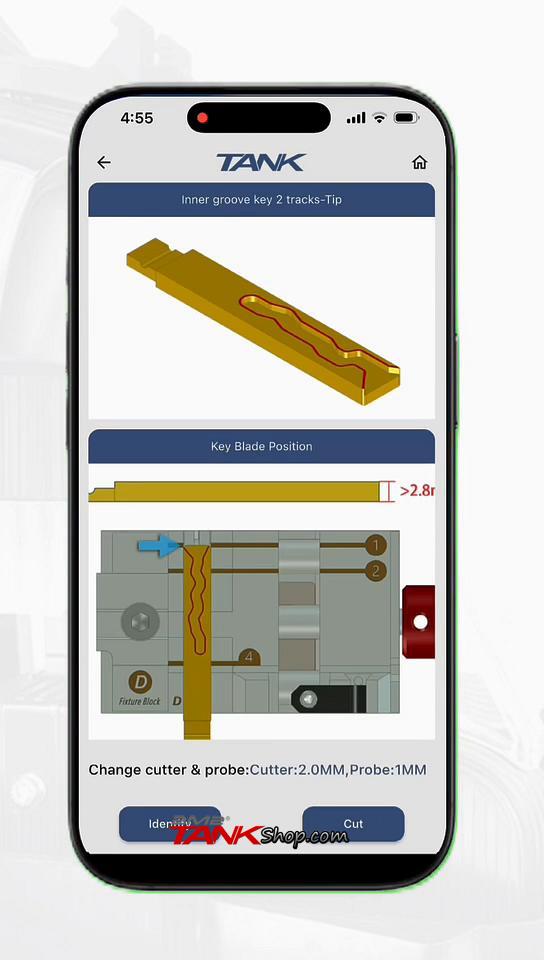
Now, guided by the app’s animation, carefully install your original key onto the clamp in the machine. Make sure it’s secure.
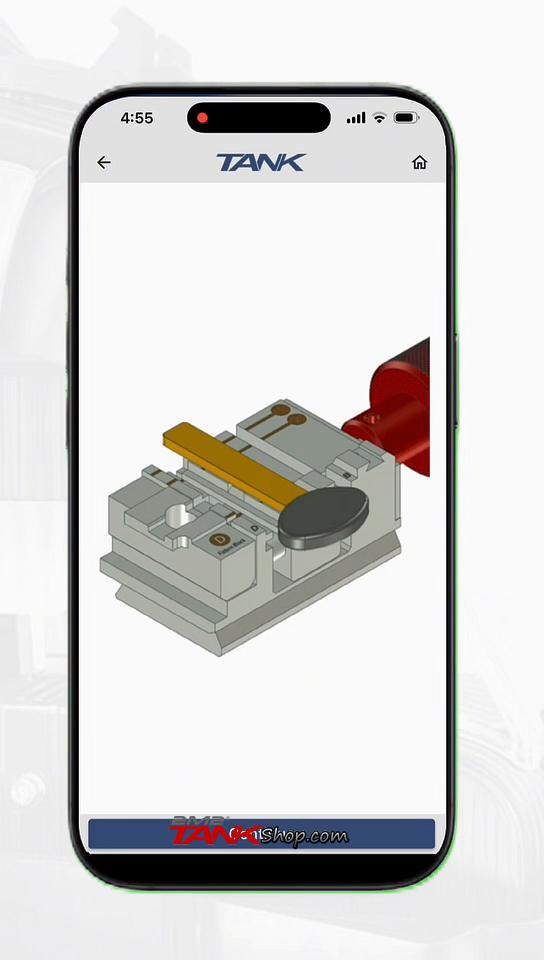
After installation, tap Continue on the app.
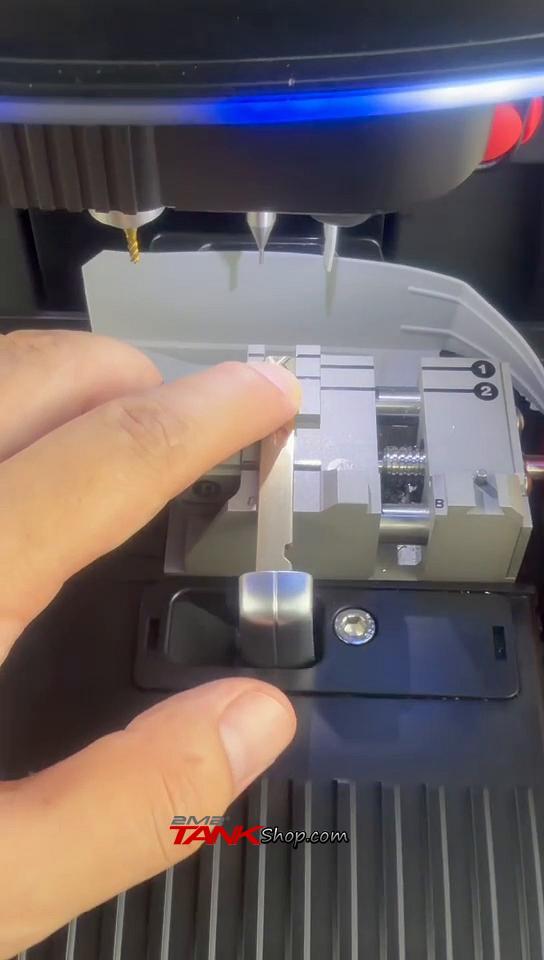
The machine will get to work. Its probe will precisely measure the key’s width, thickness, and all the intricate key tracks.
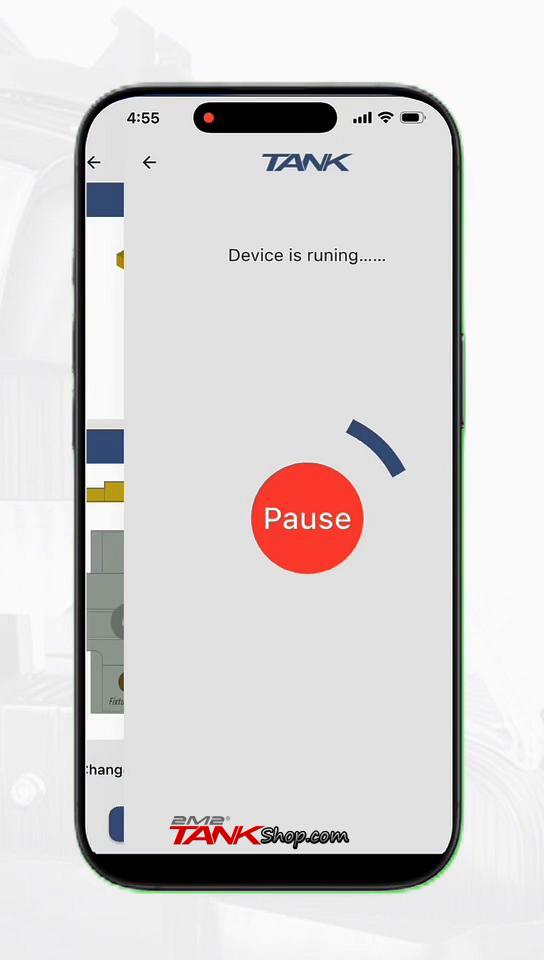
Once identified, you’ll see a visual representation of the key’s track pattern right there on your app screen
Step 3: Cut the new key blank
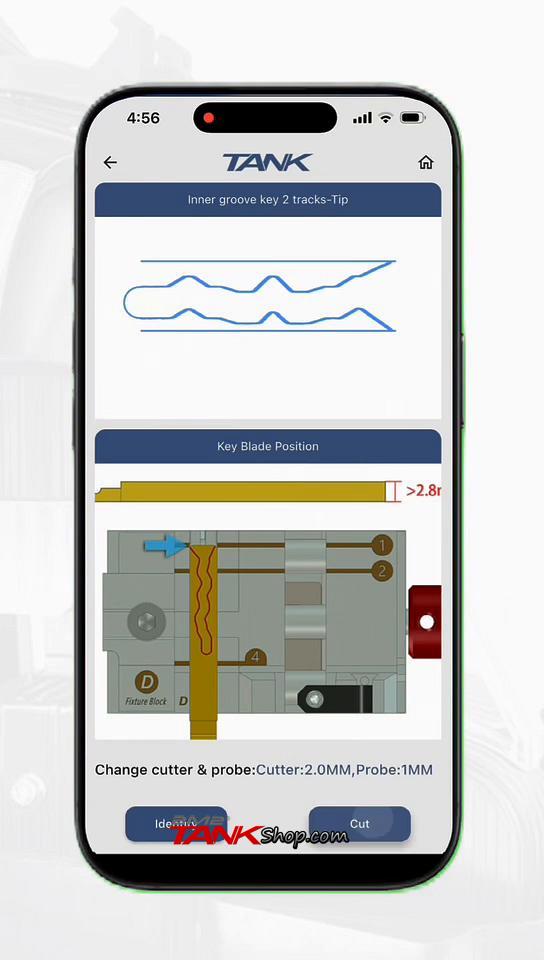
With the key identified, it’s time to cut your new blank. Tap Cut in the app.
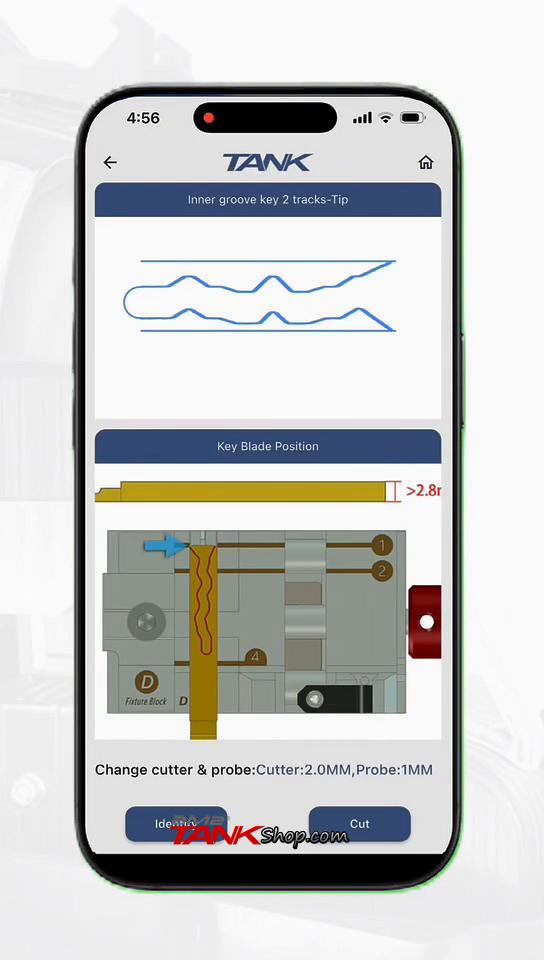
You’ll see options for cutting modes. Choose Cut Key (sometimes labeled Cut Model).
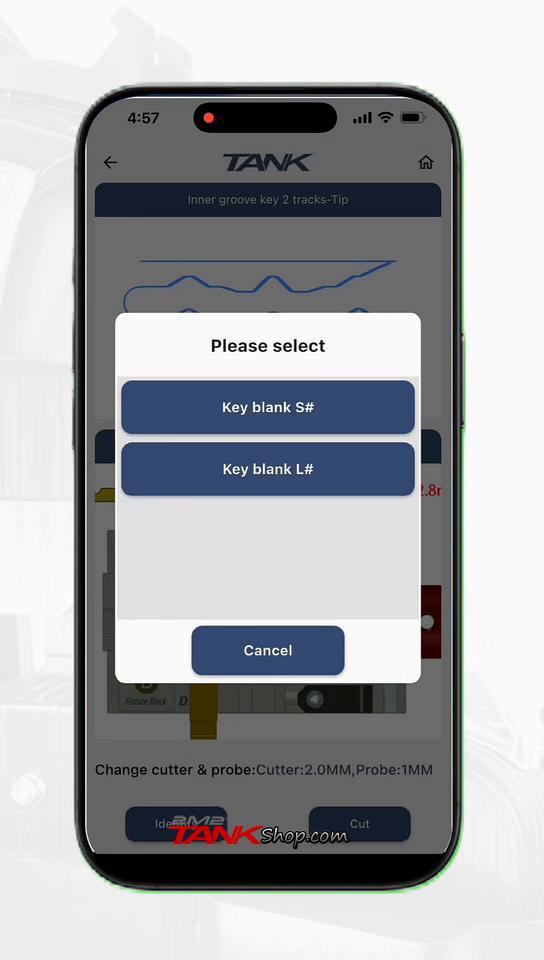
Then, select the specific key blank you’re using. In our case, it’s Key blank S#.
Following the app’s guide, install your new Super key blank onto the clamp.
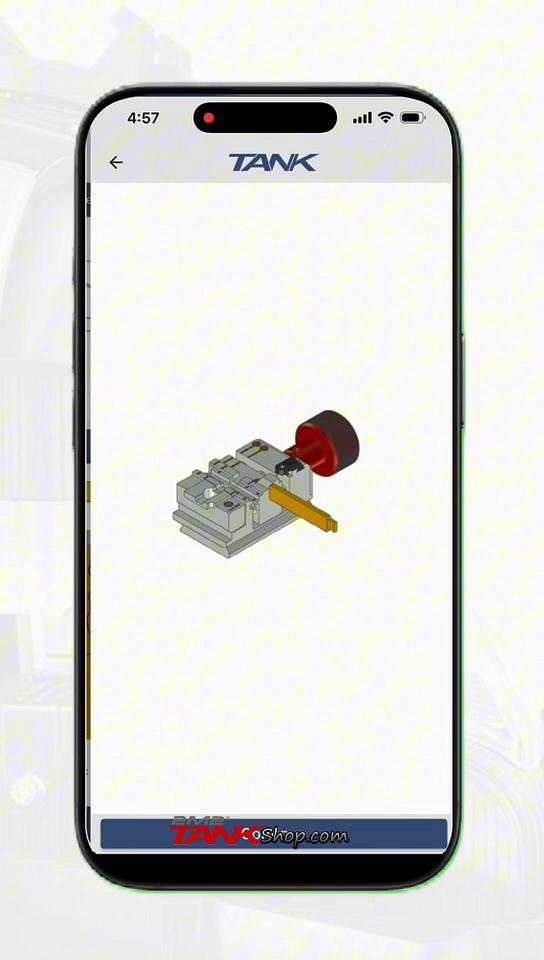
Once the blank is installed, tap Continue.
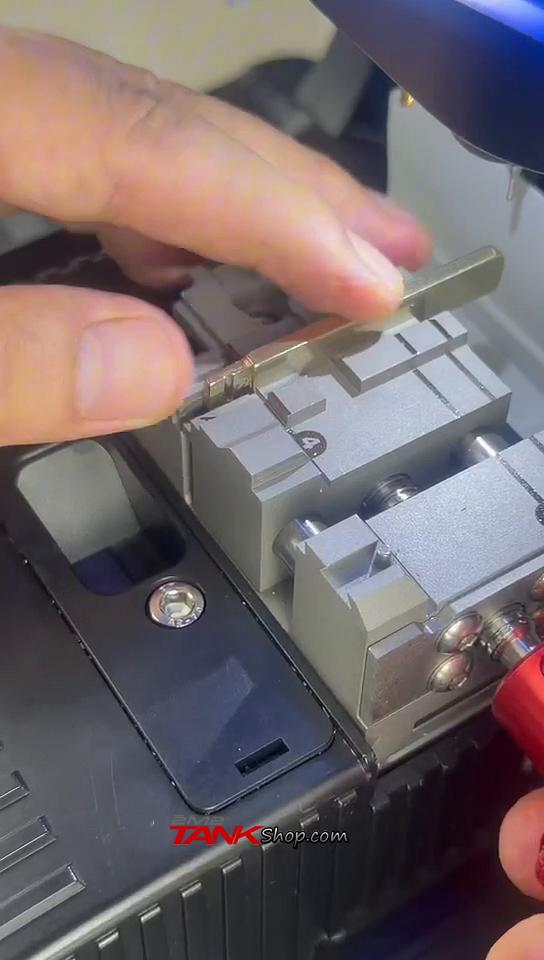
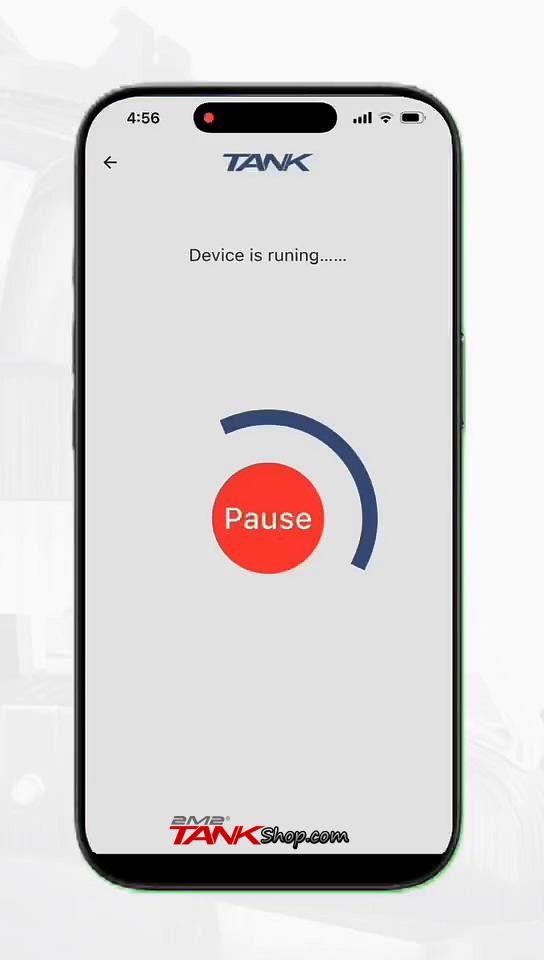
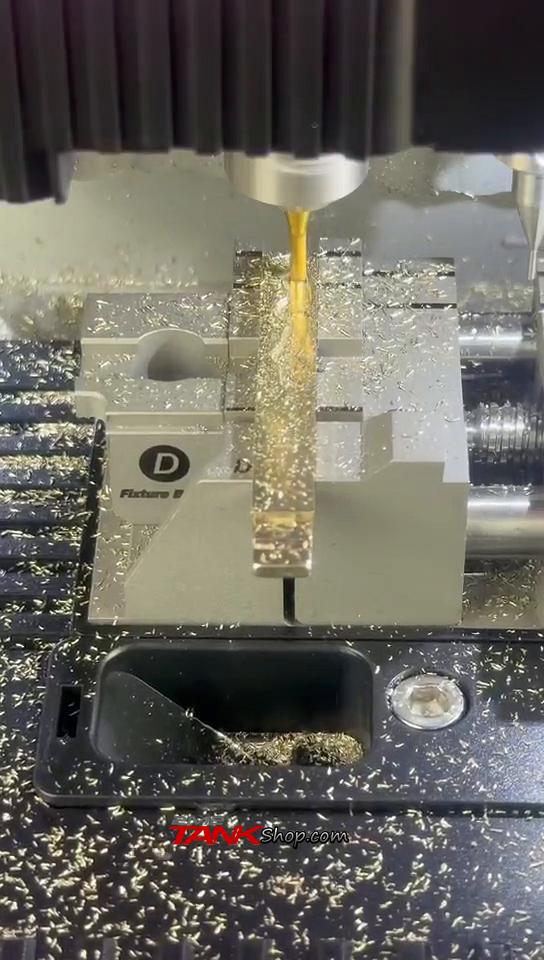
The machine will begin the cutting process, transforming your blank into a duplicate of the original.
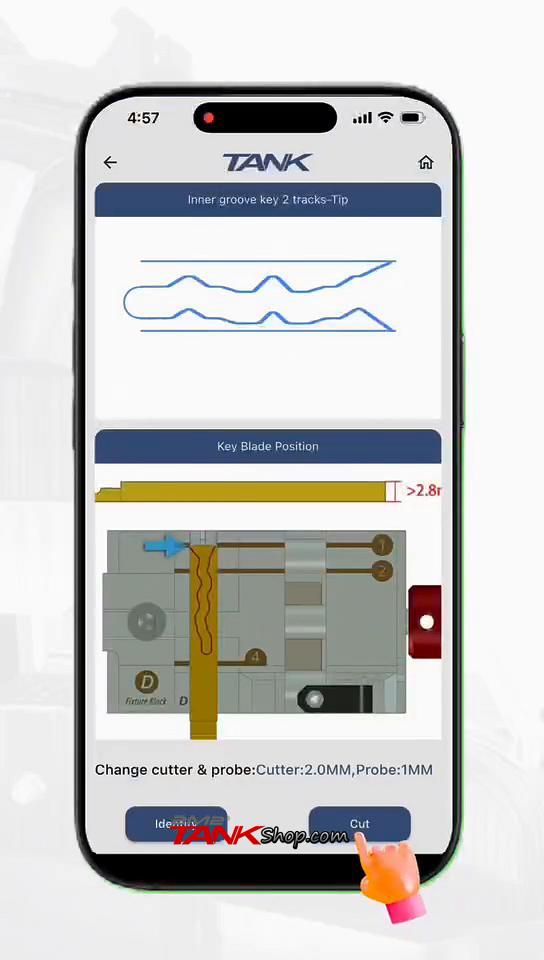
After the initial cut, you’ll get a screen to adjust cutting depth if needed (though often the default is perfect). Tap Continue to proceed with the final key track cutting.
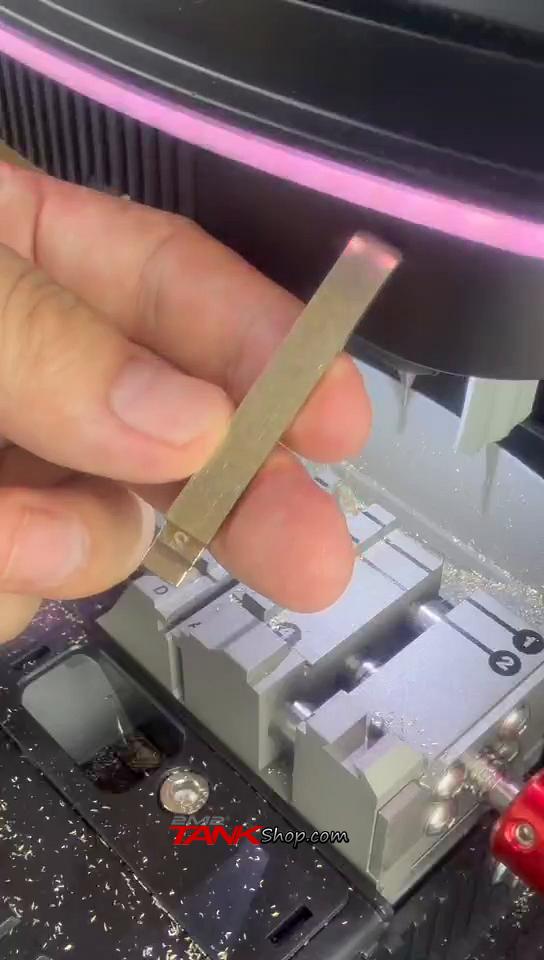
Watch as the machine finishes the detailed work, carving out the exact pattern needed.
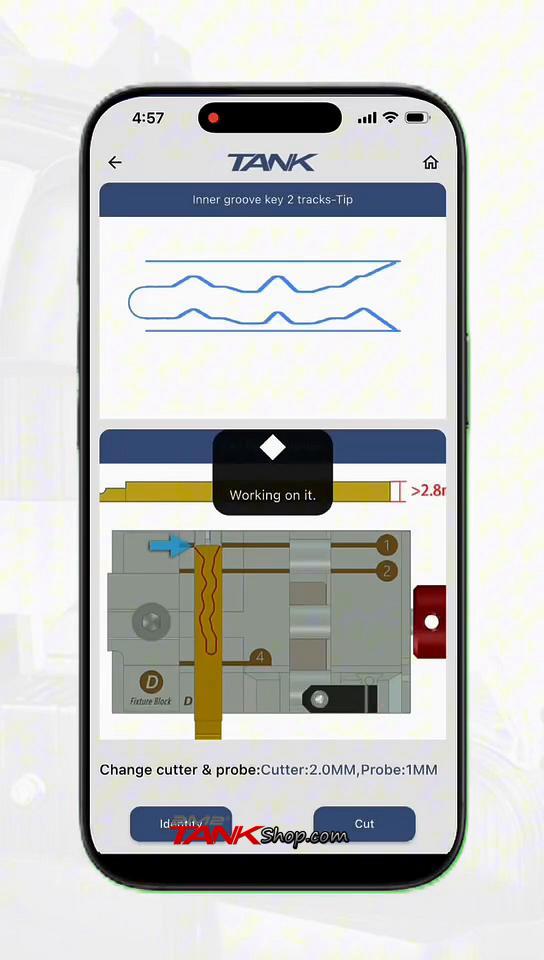
And just like that, you’ve got a freshly cut key blade!
Step 4: Assemble your new flip key
If you’re replacing a key blade in a flip key, this last step is for you.
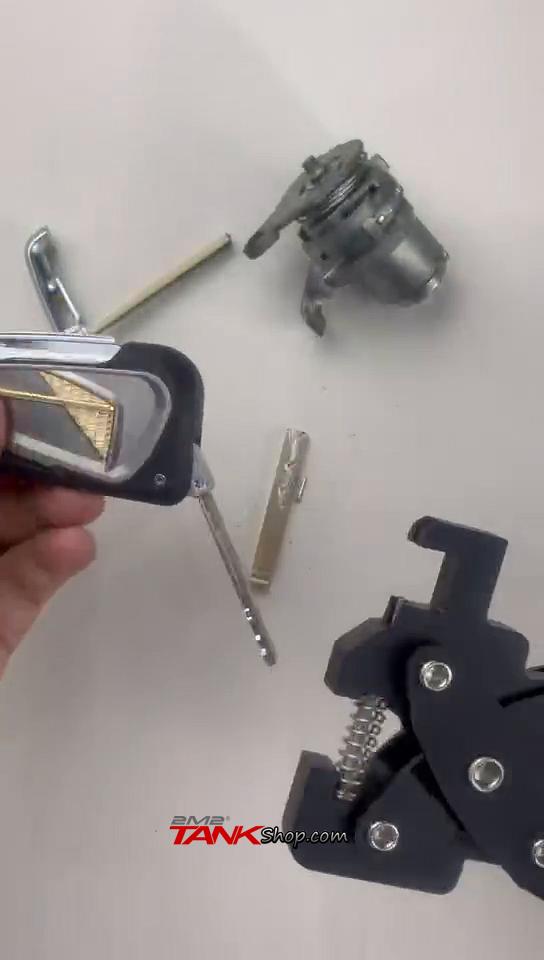
- Use a pin removertool to carefully push out the pin holding the old key blade in your flip key.
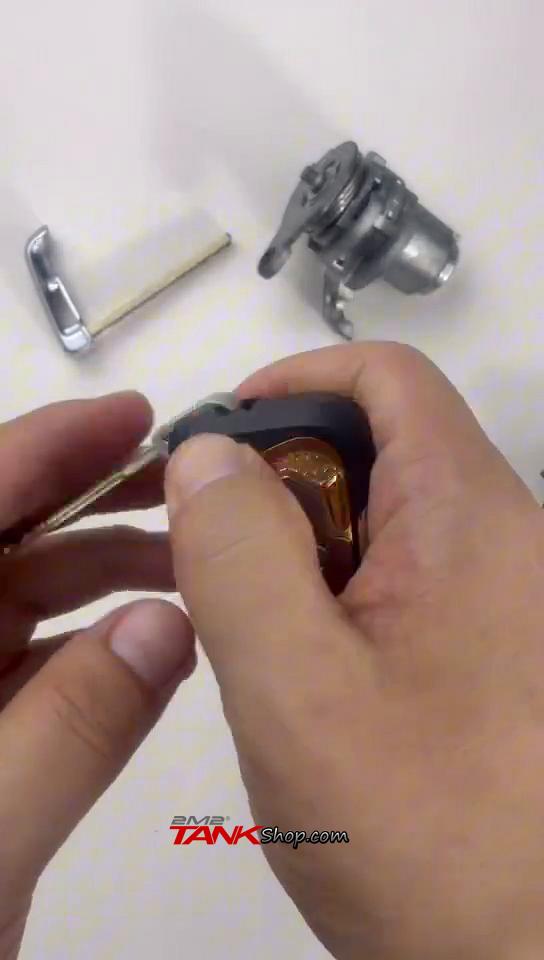
- Remove the old blade.
- Insert your freshly cut key blade into the flip key.
- Use the pin remover again to reinsert the pin, securing the new blade in place.
Finally, give your new key a test in the lock cylinder. It should turn smoothly, indicating a perfect match.
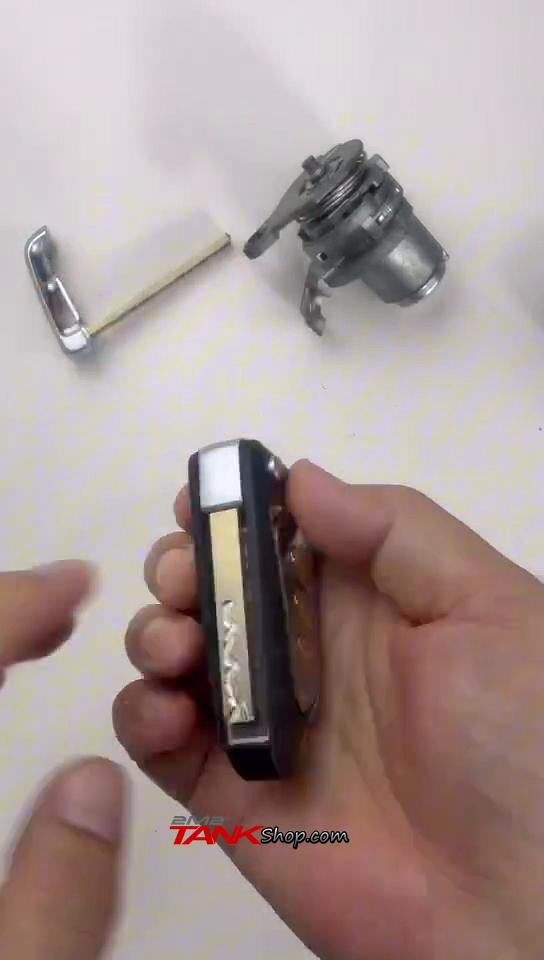
You’re all set!
You’ve successfully duplicated a laser key with precision using the 2M2 Tank CNC machine. This one-step duplication process streamlines what could otherwise be a complex task, getting you a working key quickly and accurately. Enjoy your newly cut key!